
Download Vocaluxe – karaoke, sing, party, sing with friends, open source, free karaoke software, sing songs, sing along, sing with family, sing with microphone, karaoke party, sing duets, sing face-offs, sing with lyrics, sing with webcam, sing with music, sing online, sing together, sing with friends online, sing with family online, sing with webcam recording, sing with video, sing with friends in person
Overview
Vocaluxe is an open source karaoke application designed for users who enjoy singing their favorite songs with friends and family. Built with a focus on accessibility and fun, the software enables real-time musical collaboration through a simple, intuitive interface. The app allows users to connect up to six microphones to a single PC, making it ideal for small gatherings, home parties, or informal music sessions. Its core purpose is to transform a standard computer into a dynamic karaoke hub, offering a shared experience that emphasizes music, expression, and social interaction.
Target users include amateur singers, families seeking entertainment, and friends who want to enjoy music together in a relaxed setting. The app supports both in-person and online sessions, allowing users to sing together regardless of physical location. Although the developer did not provide additional technical details about the team or background, the open source nature of Vocaluxe suggests transparency and community-driven development, which may appeal to users who value customization and software freedom.
Real-world use cases include birthday celebrations, game nights, family reunions, and casual music events. The ability to record performances with synchronized lyrics and video adds lasting value, turning each session into a memorable keepsake. In the broader app ecosystem, Vocaluxe stands out as a free, lightweight alternative to commercial karaoke tools like UltraStar Deluxe, offering similar functionality without licensing costs.
Key Features & Functionality
- Multi-microphone support: Up to six microphones can be connected simultaneously, enabling group singing with real-time audio mixing and individual volume control.
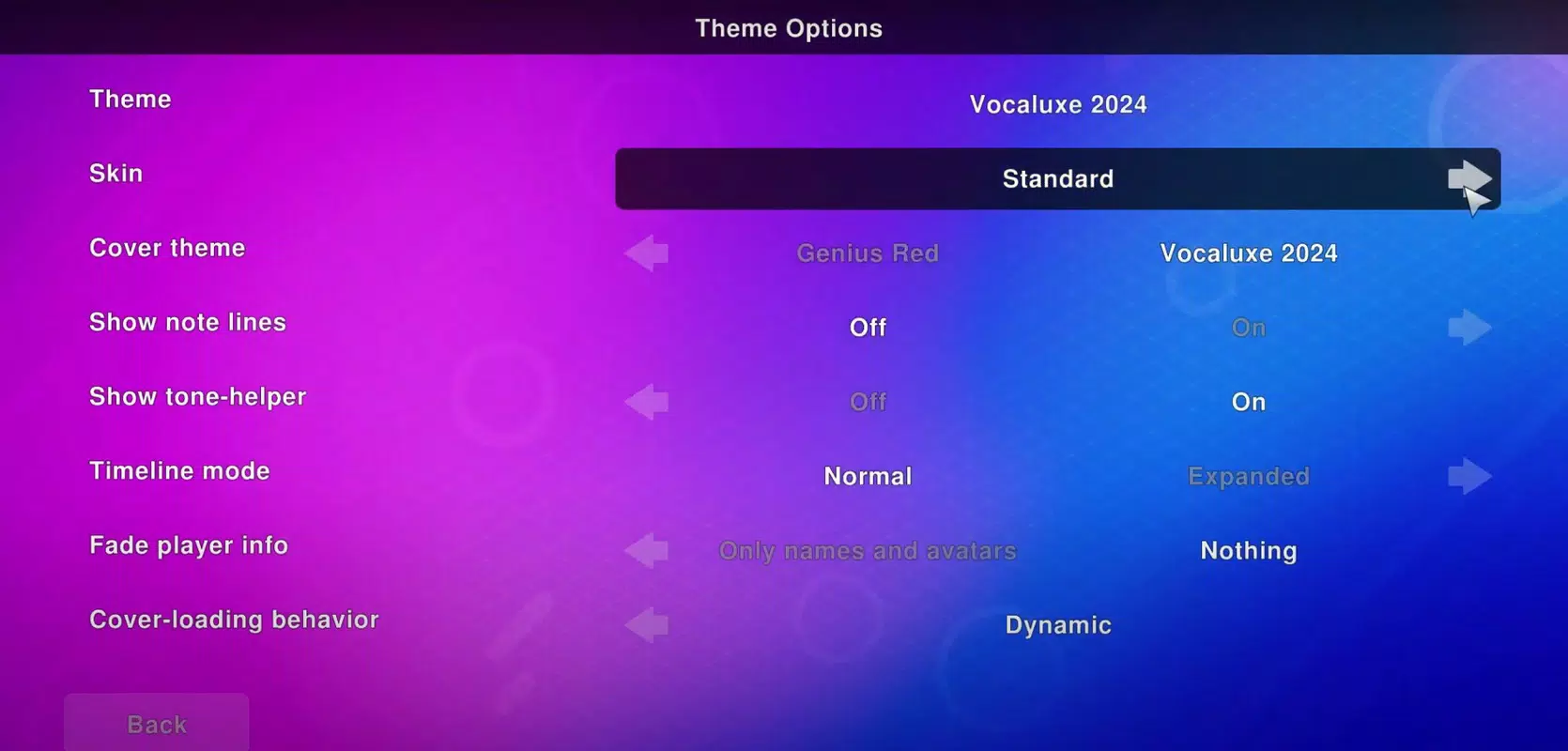
- Customizable interface: Users can modify the layout, color scheme, and display settings to match personal preferences or accommodate different screen sizes.
- Playlist management: The app allows users to create and upload custom playlists, making it easy to organize favorite songs and access them quickly during sessions.
- Dynamic party modes: Features such as duets and face-offs introduce competitive elements, where singers can challenge each other to see who performs better based on scoring criteria.
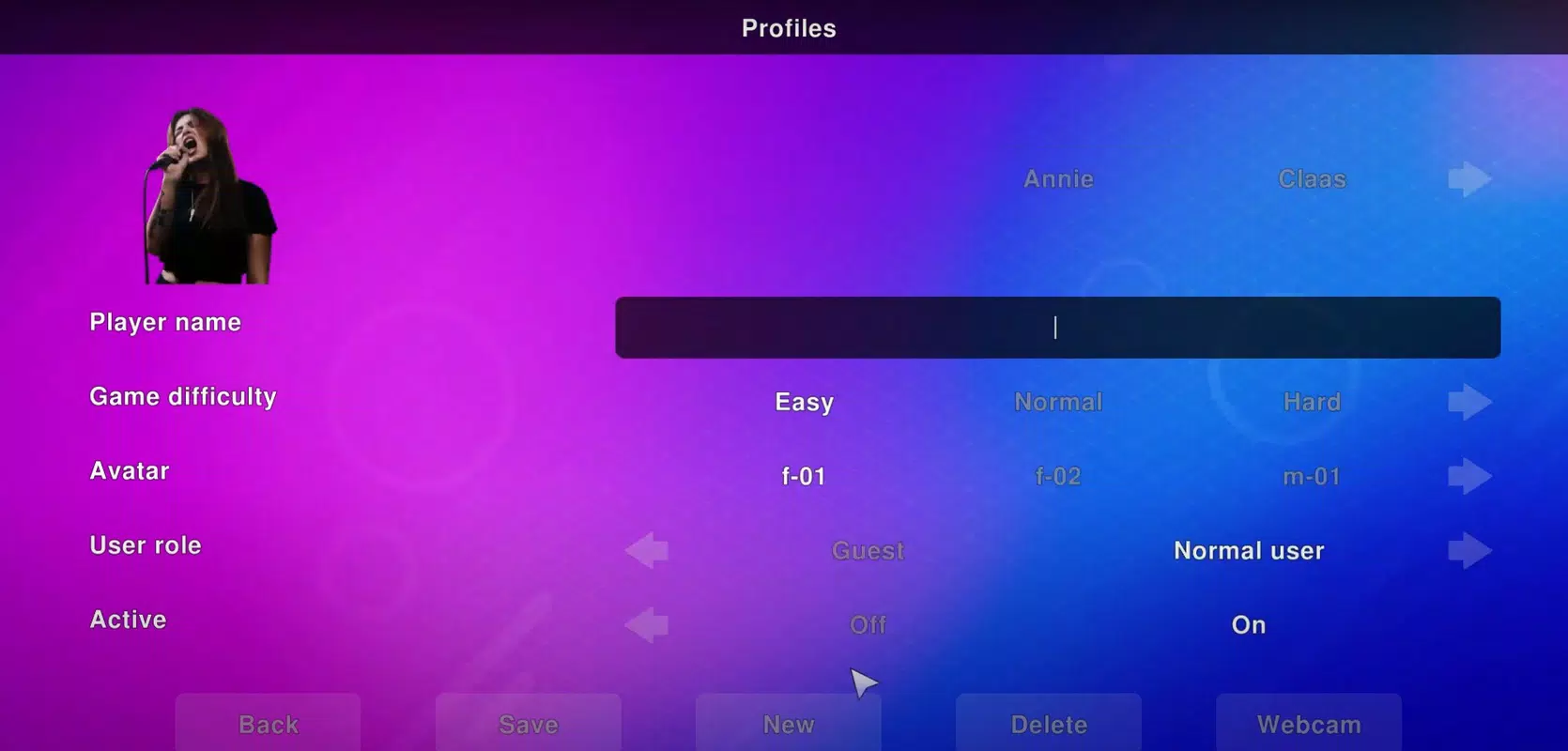
- Webcam integration: Full compatibility with most webcams allows users to record video of each singer along with synchronized lyrics, preserving performances for later playback.
- Language and scoring options: Users can switch between languages and choose from various scoring styles to tailor the experience to different audiences or cultural preferences.
These features translate into practical benefits: families can sing holiday songs together while recording the moment, friends can host virtual karaoke nights, and groups can test their vocal skills in friendly competitions. The recording function, in particular, enhances the app’s value beyond live performance, turning casual singing into shareable content. The open source model also encourages user contributions, potentially leading to future enhancements through community development.
Interface, UX & Performance
The user interface of Vocaluxe is described as simple and functional, prioritizing ease of access to core features. Navigation appears to be linear and consistent, with key functions such as microphone setup, song selection, and mode switching located in clearly labeled menus. The visual style emphasizes clarity over decoration, with a focus on readable text, visible controls, and real-time feedback during singing sessions.
Although the developer did not list formal performance metrics, the app’s lightweight footprint of 200 MB suggests efficient resource usage, which may contribute to smooth operation on mid-range PCs. Responsiveness is expected to be adequate for real-time audio processing and video recording, though actual performance may vary based on hardware configuration. Stability during extended sessions, such as long parties or recording marathons, has not been publicly verified.
Users are encouraged to adjust the interface to suit their needs, which supports accessibility for diverse users. The absence of complex setup steps or mandatory account creation enhances usability for casual users. However, without detailed information on device compatibility or performance benchmarks, users should expect to test the app on their system to confirm smooth operation.
Platform Compatibility & Technical Requirements
Vocaluxe is designed for the Windows platform and requires a compatible PC with at least six available USB ports for full microphone support. The software has a file size of 200 MB, indicating a relatively compact installation that should not strain storage on most modern systems. The app is available in version 1.0.0 and was released on March 15, 2024.
The developer did not specify minimum OS requirements, nor did they provide information on CPU, RAM, or GPU specifications. As such, compatibility with older Windows versions or low-end hardware remains uncertain. Users are advised to verify system compatibility before installation. No information was provided regarding updates, patching frequency, or support channels.
Pros and Cons
- Free to download and use with no hidden costs
- Open source model allows transparency and potential customization
- Supports up to six microphones for group singing
- Offers recording with webcam and synchronized lyrics
- Includes dynamic party modes like duets and face-offs
- Customizable interface and language options
- Allows user-uploaded playlists for personalized song libraries
- No official information on minimum system requirements
- Platform limited to Windows only
- Compatibility with older or low-end systems not confirmed
- Performance metrics and stability data not publicly available
- Updates and developer support details not disclosed
FAQ
Is Vocaluxe available for mobile devices?
As of now, Vocaluxe is only available for Windows. There is no official mobile version for Android or iOS.
Can I use Vocaluxe without a microphone?
While the app is designed for microphone input, it may still function in limited capacity without one. However, full karaoke functionality, including singing and scoring, requires microphone connectivity.
Is Vocaluxe safe to download and install?
Yes, Vocaluxe is open source and distributed through official channels. It is free from known malware, but users should always download from trusted sources to ensure security.
How do I record my karaoke session?
By connecting a webcam and enabling the recording feature in the settings, Vocaluxe captures both video of each singer and synchronized lyrics, saving the performance as a single file.
Can I share my custom playlists with others?
Yes, since Vocaluxe allows users to upload their own playlists, these can be shared with friends or family members who also have the software installed.
Final Thoughts
Vocaluxe delivers a compelling, free karaoke experience tailored for social music sessions. Its open source foundation, multi-microphone support, and built-in recording capabilities make it a standout choice for families, friends, and hobbyists seeking a fun, customizable way to sing together. The inclusion of competitive modes like duets and face-offs adds replay value, while the ability to preserve performances with video ensures lasting memories.
Although the app is currently limited to Windows and lacks detailed technical specifications, its lightweight design and community-driven ethos offer promise for future growth. For users who value freedom, affordability, and shared musical expression, Vocaluxe provides a strong value proposition. Whether you're hosting a backyard party or connecting with loved ones online, this app turns any room into a stage.
Download Vocaluxe now


